1
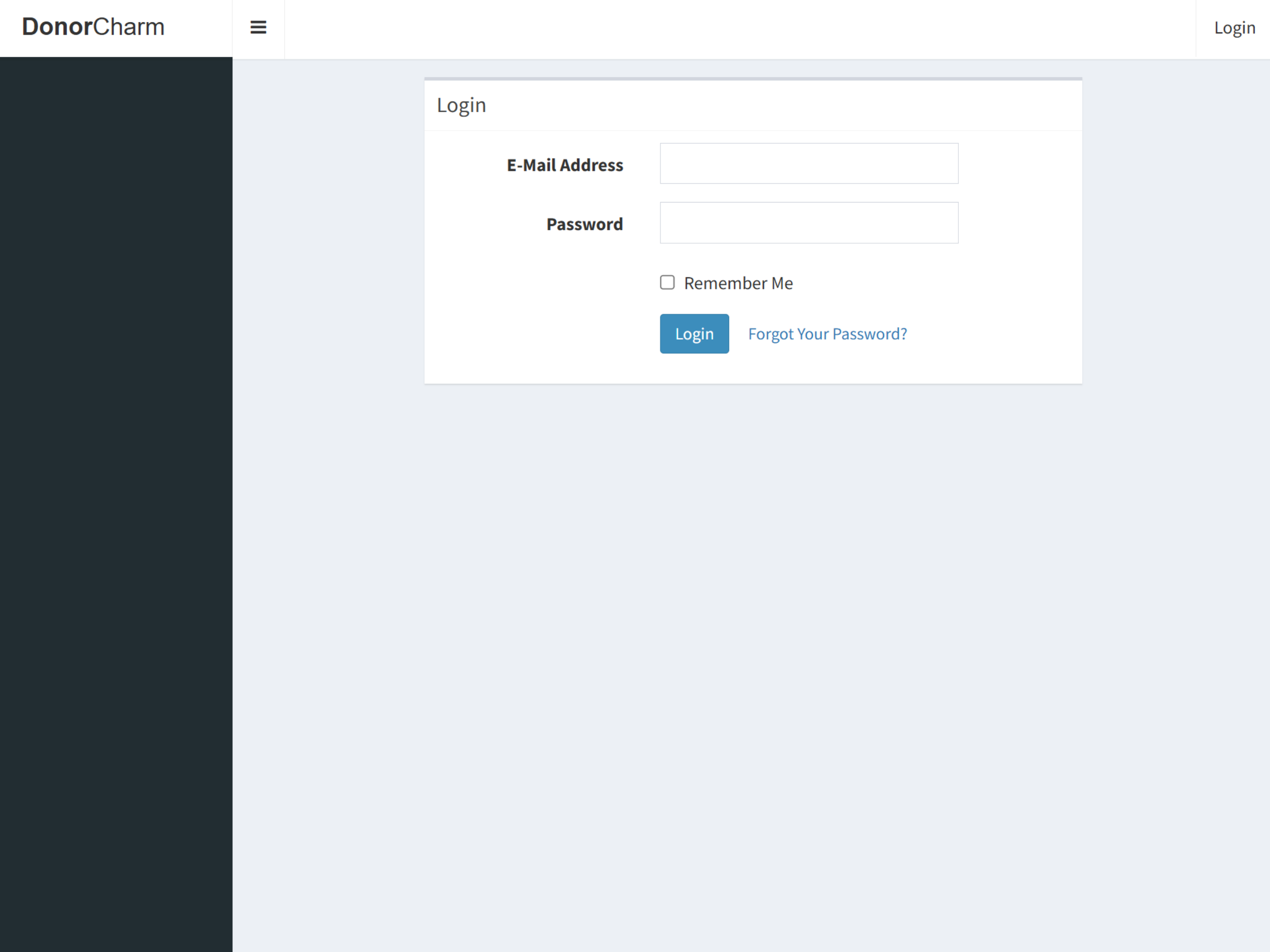
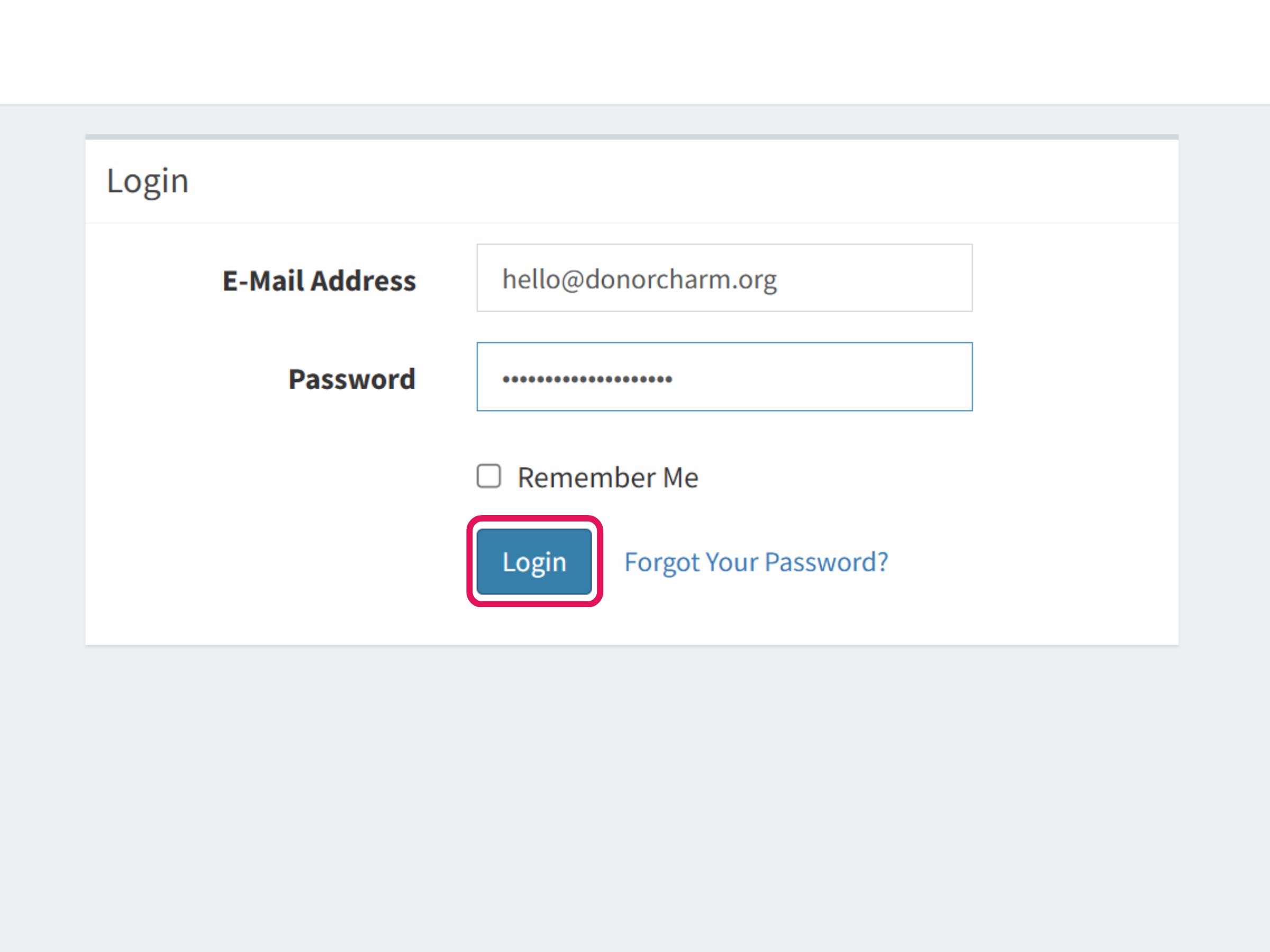
Go to Donor Charm.
2
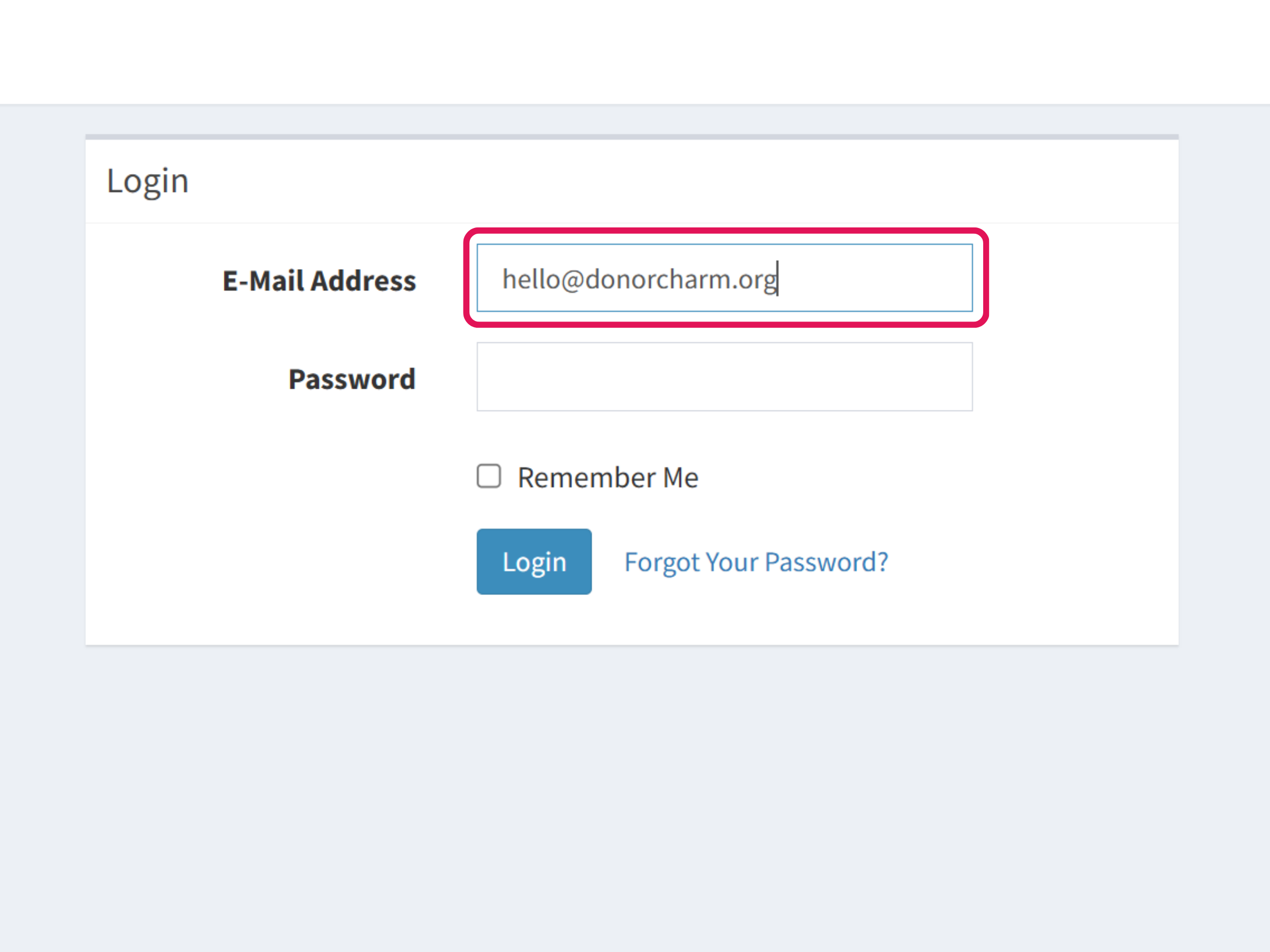
Enter your registered email address in the Email Address field.
3
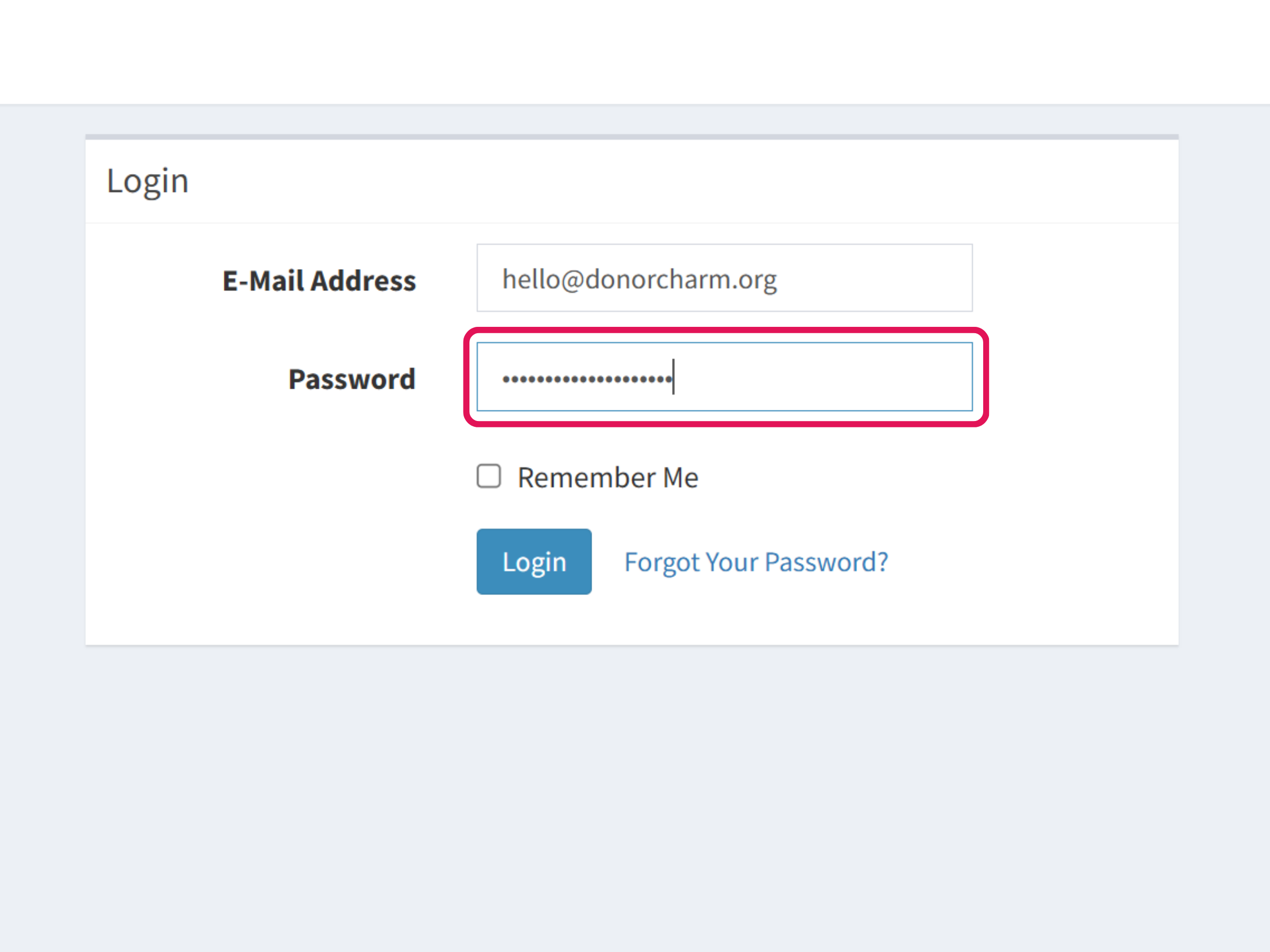
Enter your password in the Password field.
4
Click Login to access your account.
5
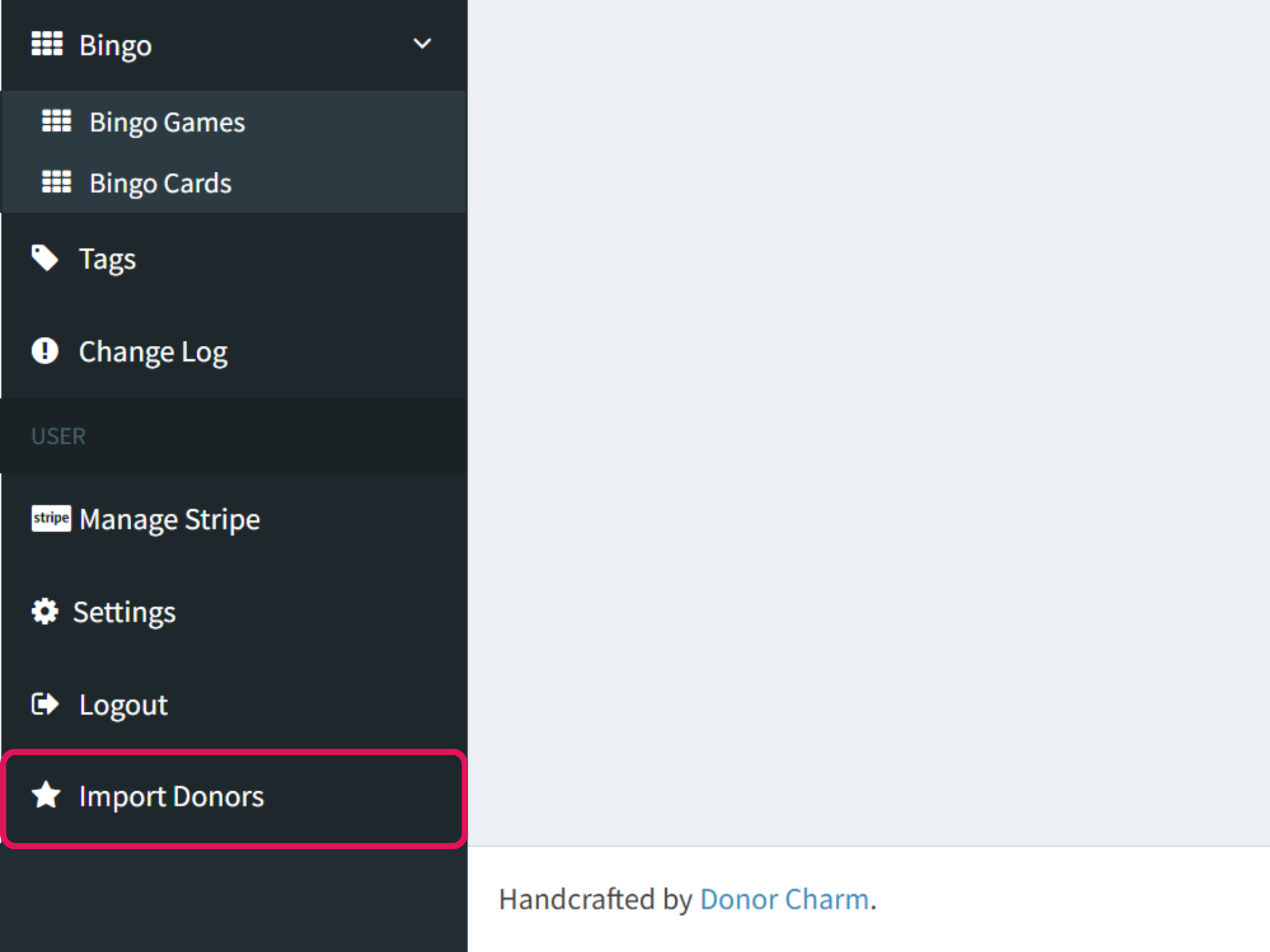
Once you’re on the Dashboard, click Import Donors.
6
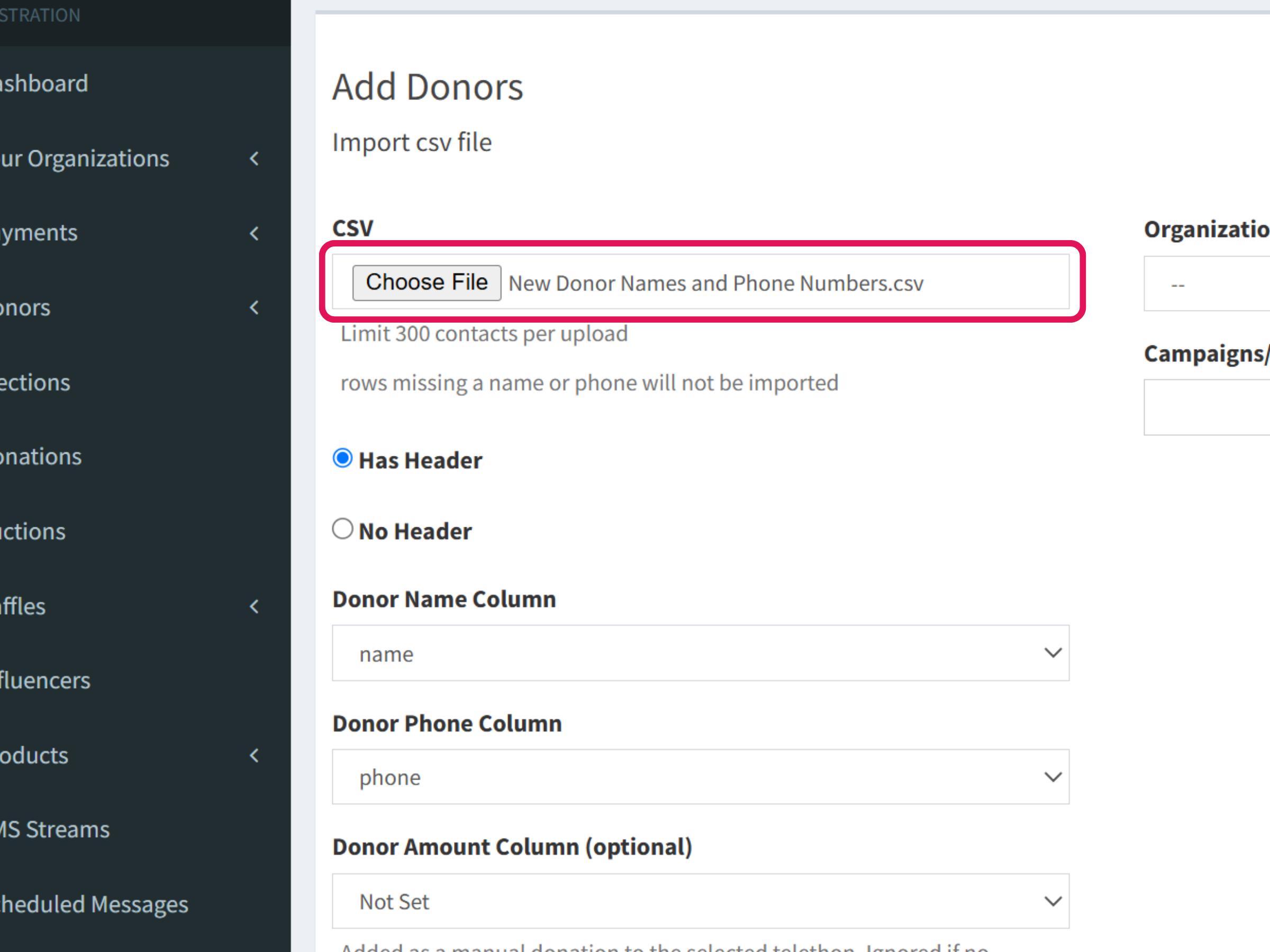
On the Import Donors page, you’ll be able to upload your CSV file.

7
Click Choose File and select the CSV file containing your donor information. Then, proceed with the upload.
8
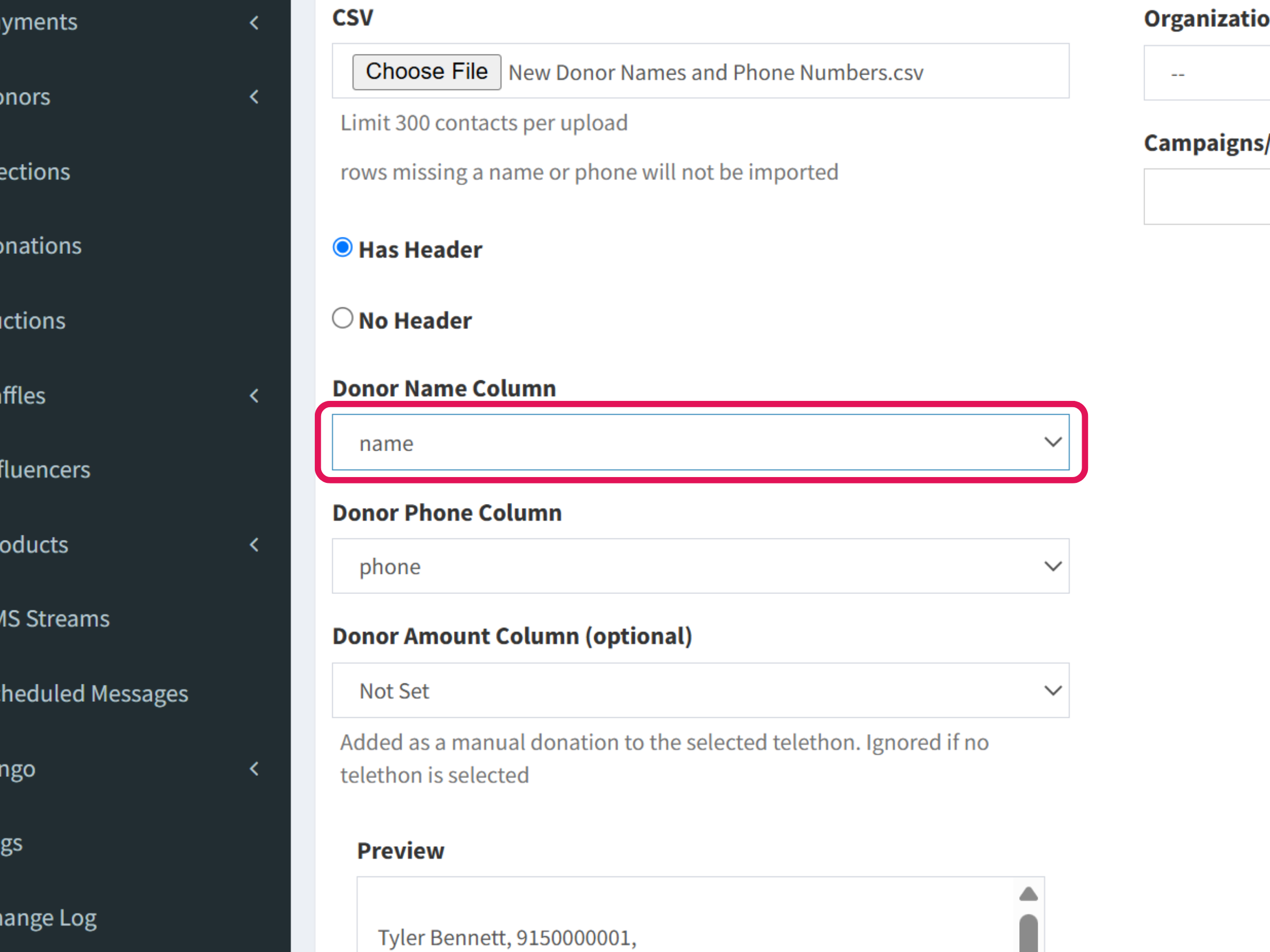
If your CSV file includes a header row, select the column that contains the Donor Name.
9
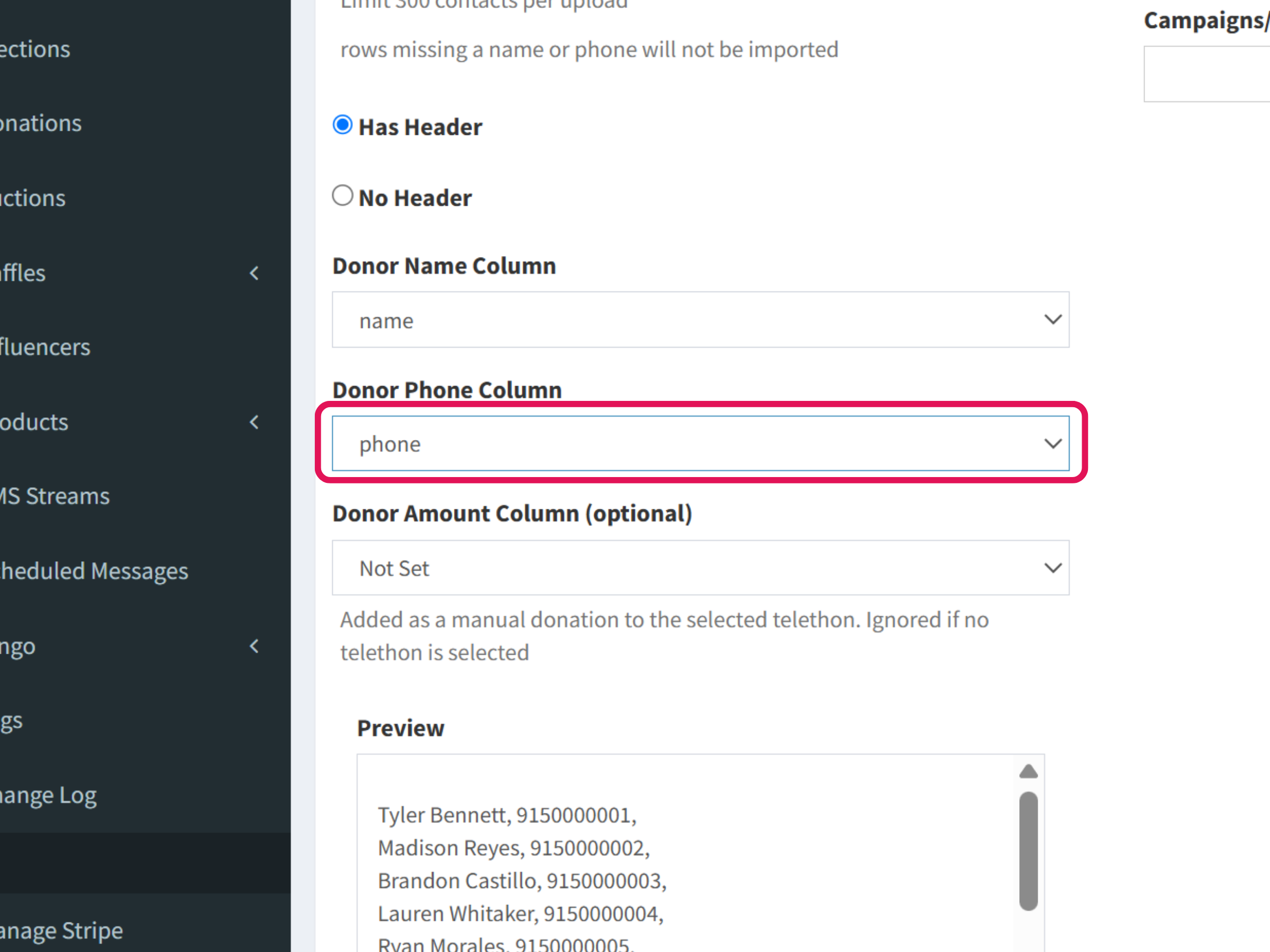
Next, select the column that contains the Donor Phone Number.
10
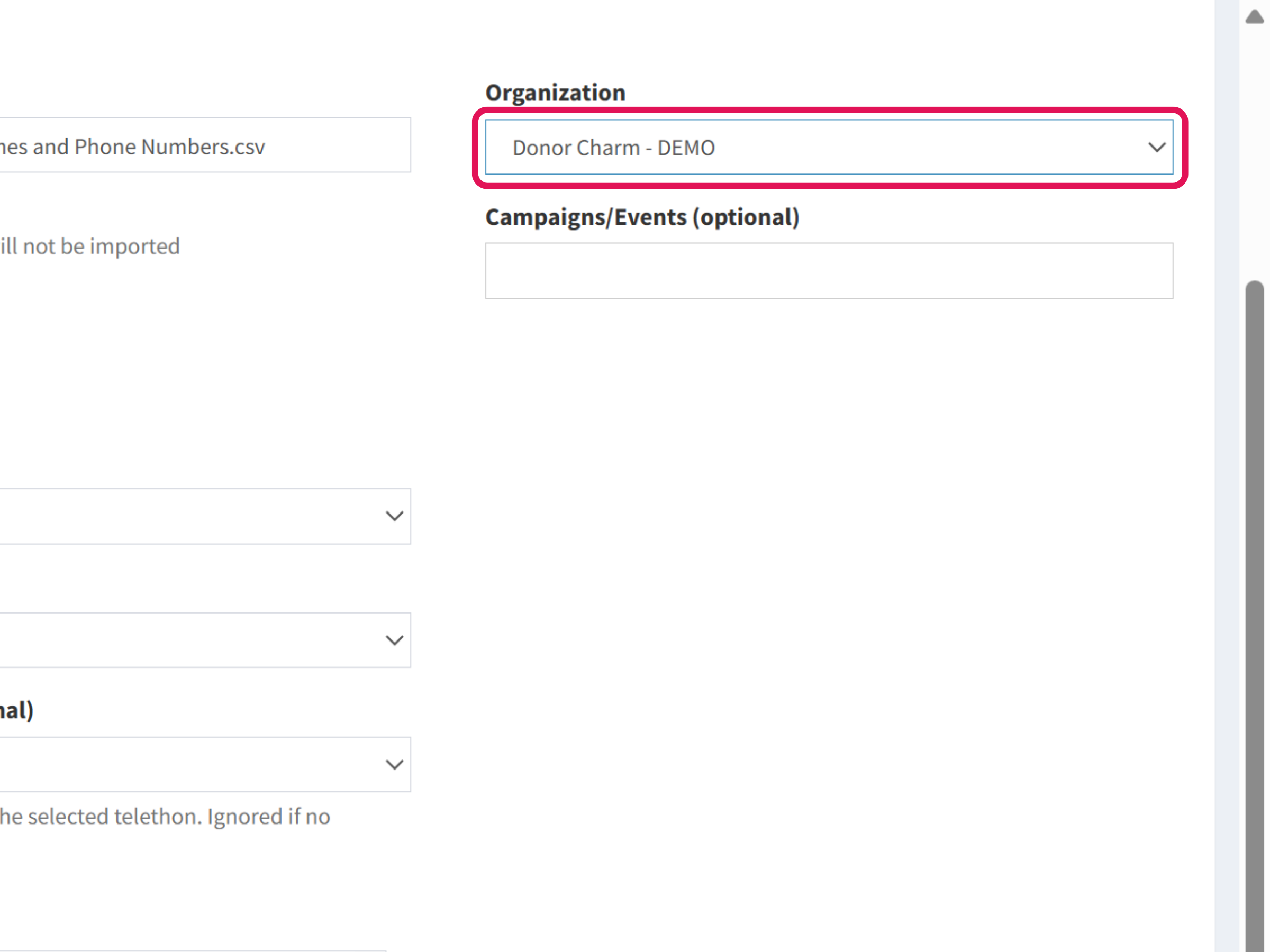
Select your organization from the available options.
11
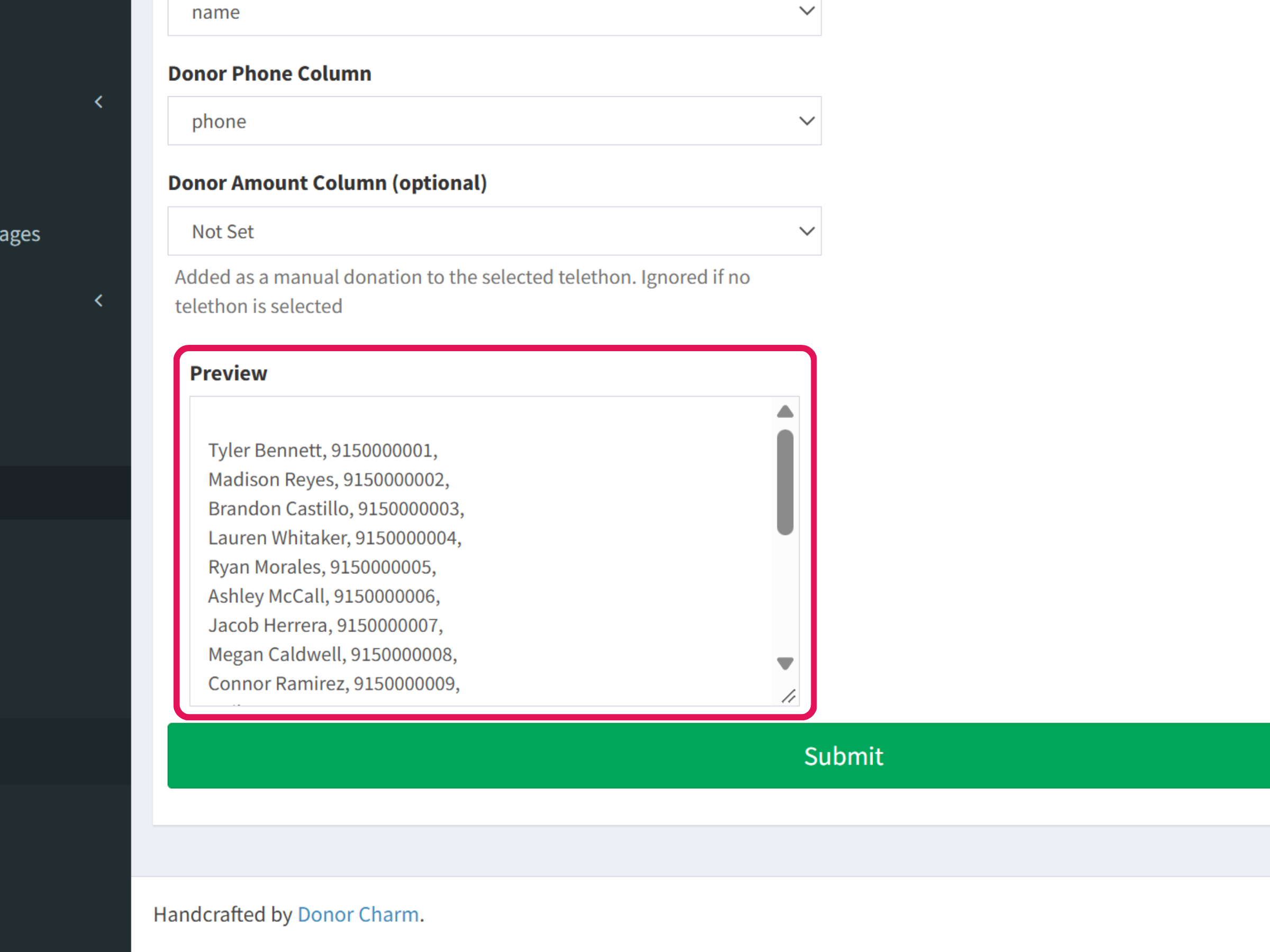
Review the Donor Names and Phone Numbers in the preview.
12
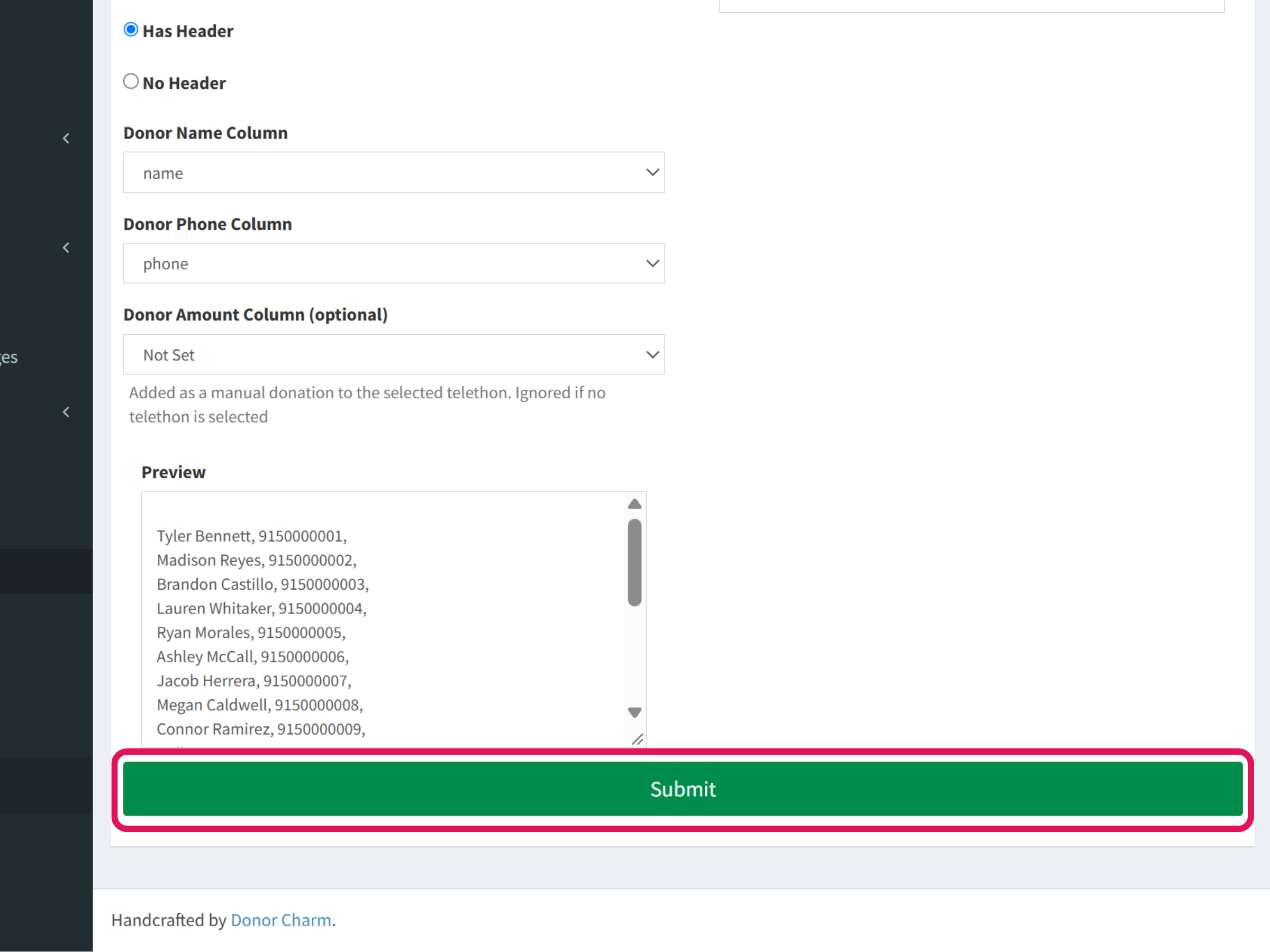
When you’re ready, click Submit to start the import.
13
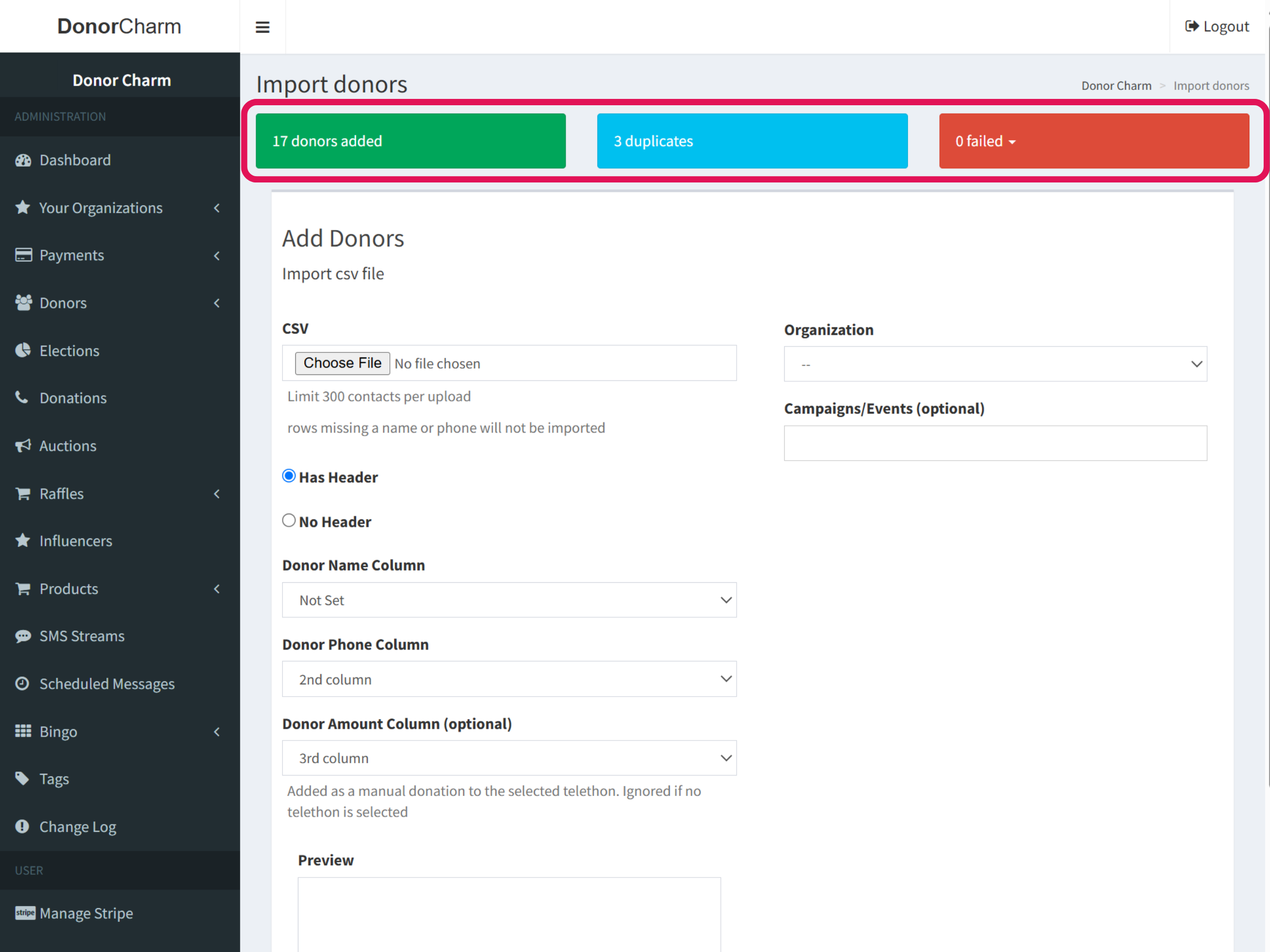
After the import is complete, the system will show you a summary of the results, including the number of donors successfully added and any duplicate or failed entries, if applicable.